Keyboard shortcuts
TMS ships with one pre-assigned shortcut. All other commands have no default key binding and must be assigned manually.
Default shortcut
| Shortcut | Action |
|---|---|
Ctrl + Shift + S | Toggle suspension of the current tab (suspend or unsuspend) |
All available commands
| Command | Default key | Description |
|---|---|---|
| Toggle current tab | Ctrl+Shift+S | Suspend the active tab, or unsuspend it if already suspended |
| Pause current tab | - | Toggle the "paused" state for the current tab (excluded from auto-suspend until next reload) |
| Suspend selected tabs | - | Suspend all tabs currently selected in the tab strip |
| Unsuspend selected tabs | - | Unsuspend all tabs currently selected in the tab strip |
| Suspend tab group | - | Added in 9.0.3. Suspend every tab sharing the active tab's group. No-op on an ungrouped tab |
| Unsuspend tab group | - | Added in 9.0.3. Unsuspend every tab sharing the active tab's group. No-op on an ungrouped tab |
| Soft suspend active window | - | Suspend all inactive tabs in the current window |
| Force suspend active window | - | Suspend all tabs in the current window, including the active one |
| Unsuspend active window | - | Unsuspend all tabs in the current window |
| Soft suspend all windows | - | Suspend all inactive tabs across every open window |
| Force suspend all windows | - | Suspend all tabs across every open window |
| Unsuspend all windows | - | Unsuspend all tabs across every open window |
| Open Session Manager | - | Open the Session Management page directly |
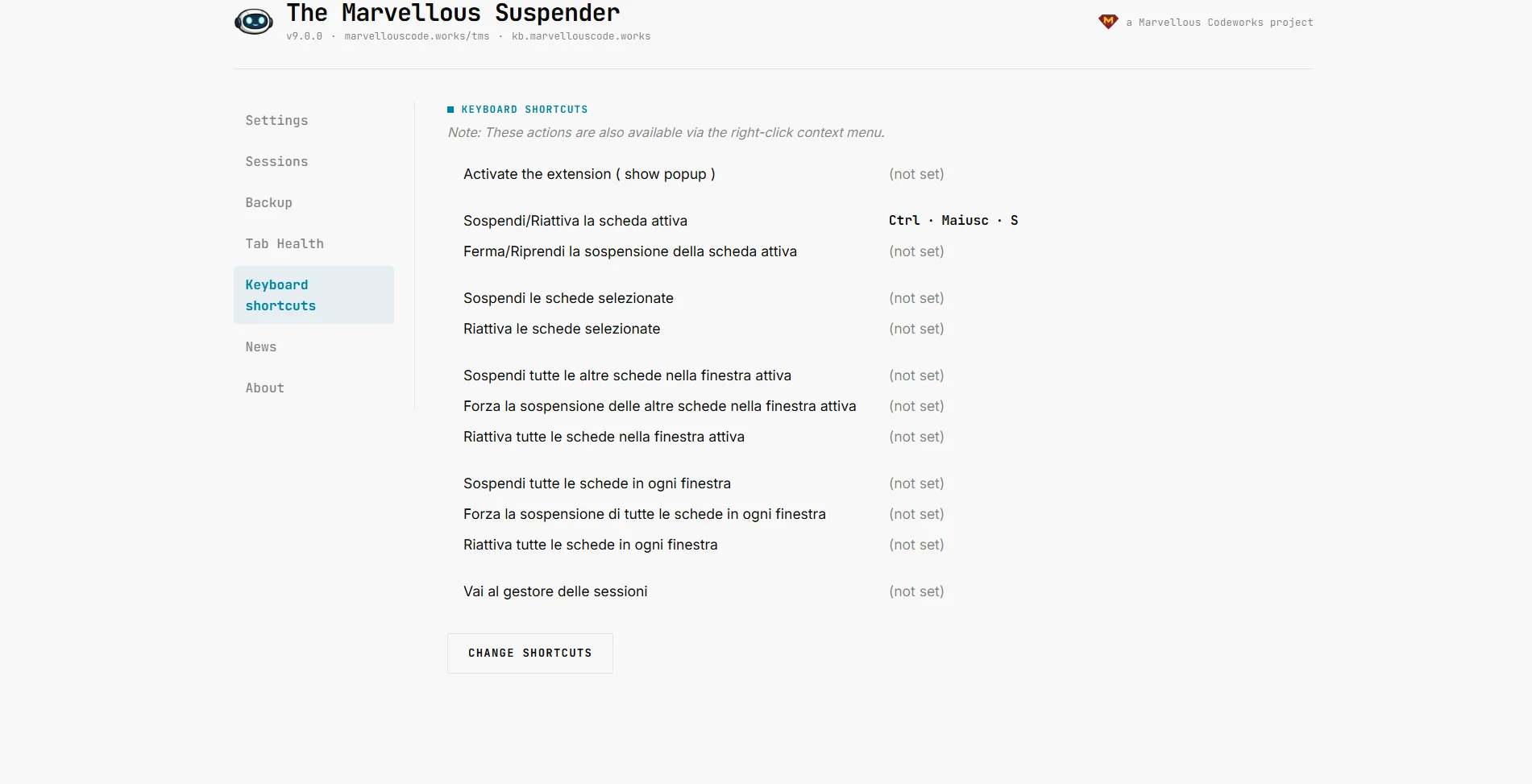
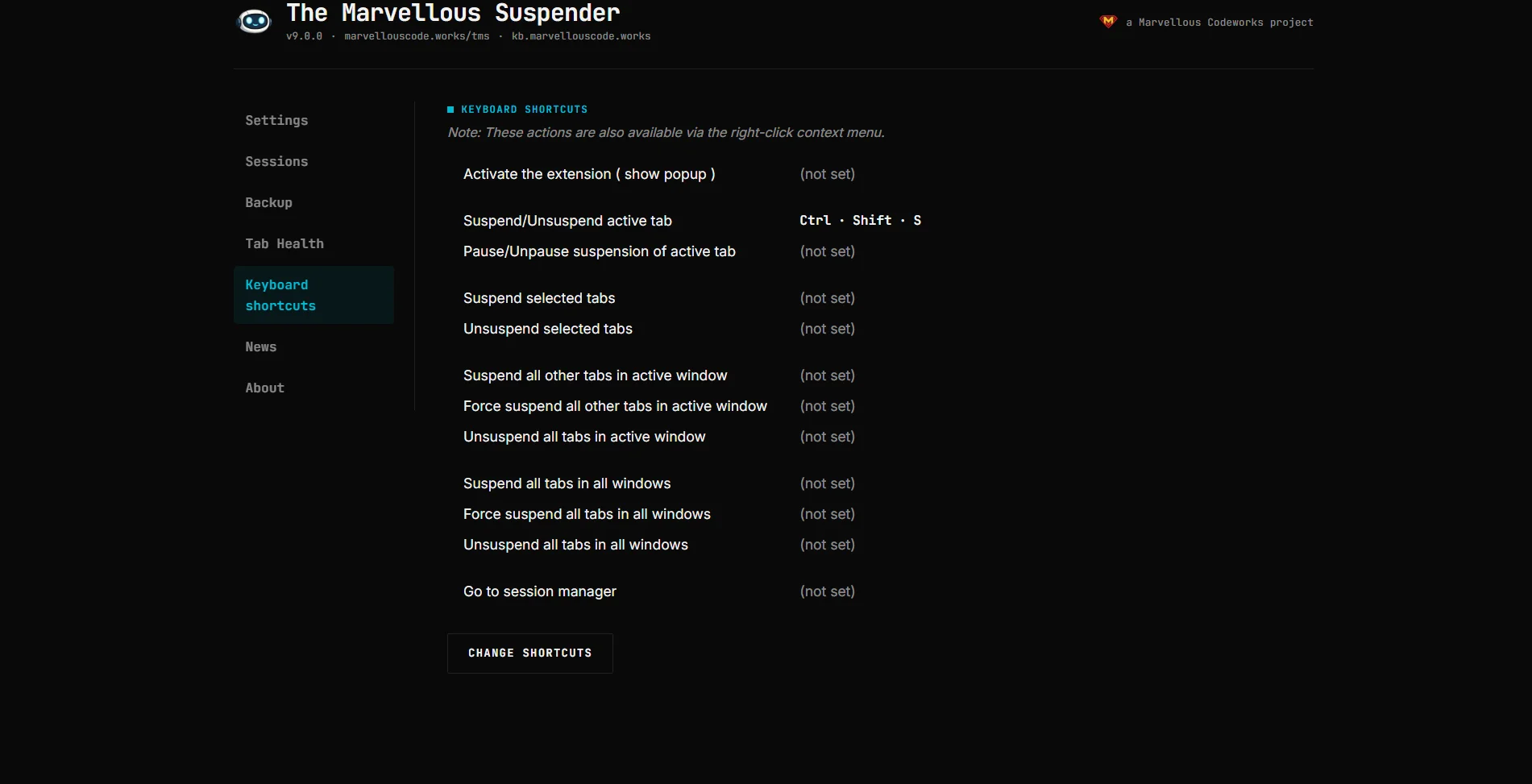
TMS also has its own read-only copy of this list on the Keyboard shortcuts page in the sidebar, with a Change shortcuts button that jumps straight to chrome://extensions/shortcuts. Labels follow your language setting, shown here in Italian:
Dark theme:
Assigning shortcuts
- Navigate to
chrome://extensions/shortcutsin your browser. - Find The Marvellous Suspender in the list.
- Click the input field next to the command you want to assign and press your desired key combination.
tip
Chrome limits extension shortcuts to combinations using Ctrl (or Cmd on Mac) and/or Alt, plus at least one other key. Shortcuts that conflict with browser-reserved combinations cannot be assigned.
Changing the default shortcut
The Ctrl+Shift+S default for "Toggle current tab" can also be reassigned from the same chrome://extensions/shortcuts page if it conflicts with another application or extension.