TMS 9 is public now: about that permissions dialog, and where your sessions went

TMS 9 has now reached everyone on the Chrome Web Store's normal rollout schedule. Good news, mostly. But an update this size doesn't land quietly, and a few things landed in our inbox that deserve a direct answer instead of a buried reply in a GitHub thread.
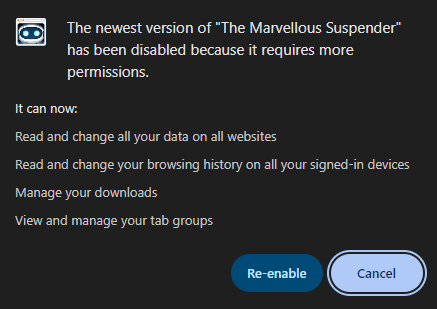
If you saw this dialog, Chrome disabled TMS on update and is asking you to confirm the new permissions before turning it back on. That's expected, and it's Chrome doing its job. Here's why each one is there, and what to do if you'd rather not grant all of them.
Why the new permissions
Two of the permissions listed, downloads and identity, are new in 9.x. Both exist for exactly one feature: session backup, the single most requested thing in TMS's entire history, now finally shipped, either to a local folder or to your own Google Drive.
downloadslets TMS write backup files to atms-backups/folder inside your Downloads, and clean up old ones automatically. TMS never reads anything in your Downloads folder beyond the files it wrote itself.identityis used only if you choose Google Drive as your backup destination. It gets an OAuth token to talk to Drive, TMS never sees your Google password, and the token exchange is handled entirely by Chrome.- The Drive backup, if enabled, is scoped to
drive.appdata, a hidden, app-only folder that isn't visible in your regular Drive and isn't reachable by any other app.
Full breakdown, including exactly what changed since 8.x, is on the permissions page.
The important part: both permissions sit dormant until you actually turn on automatic backups in Backup & Sync. If you never enable that feature, TMS requests no Drive authentication and writes nothing to Downloads. We're aware that Chrome asks for the permission up front regardless, at install/update time, not at first use, which is exactly the kind of thing that reads as scarier than it is. We hear that, and we're working on a setting to opt out of backups and their reminders entirely, which should let us drop these permissions for anyone who doesn't want the feature. That's not shipped yet, it's actively in progress, and we'll cover it here once it lands.
The deeper questions, and what's landing in 9.0.1
Issue #411 went further than "why the new permissions," with some sharper technical points worth answering here too, not just in a GitHub thread:
downloadsis requested unconditionally, even if you never enable local backup. Fair. It's a static manifest permission right now instead of one requested at runtime when you actually turn on local auto-backup. Moving it to on-demand is going into 9.0.1, so most people who don't use backups won't see this prompt at all.- Backup files are plain JSON, and base64 isn't encryption. Correct, base64 there only builds a
data:URL so a service worker can hand the file tochrome.downloads.download()(blob URLs don't survive service worker restarts), it was never meant as protection. Worth noting: it's the same level of protection the manual "Export session" feature has had since 2017, so this isn't a new risk 9.0.0 introduced. Optional passphrase encryption for backup content is a reasonable ask and it's on the list. - A Drive-only configuration can still write a local file. Also correct. On browser shutdown, TMS runs an emergency backup that always writes locally first, because a Drive upload in that shutdown window isn't reliable, the service worker can get killed mid-request. If your destination is Drive, that file gets queued and uploaded on next startup. A deliberate reliability trade-off, but not currently explained anywhere in the UI. That's getting a note, plus cleanup of the local copy once the queued Drive upload succeeds.
- A daily request to
kb.marvellouscode.works/blog/rss.xml. Yes, an alarm every 24h feeding the sidebar News page. The host is already declared in the manifest, nothing hidden, but there's no way to turn it off today. A toggle is coming.
One more thing worth admitting straight: the permissions page and the posts covering this were published before 9.0.0 went live, but nowhere the extension itself points to them. That's the actual gap, not the timing. Going forward, whenever a release changes permissions, the options page and changelog will link directly to what changed and why, instead of relying on people finding the blog on their own.
None of this changes what TMS does with your data today, nothing leaves your machine except to your own Drive appdata folder, but the scoping and the missing opt-outs were legitimate gaps, and 9.0.1 is where they get closed.
"It requires too many permissions now, wtf?"
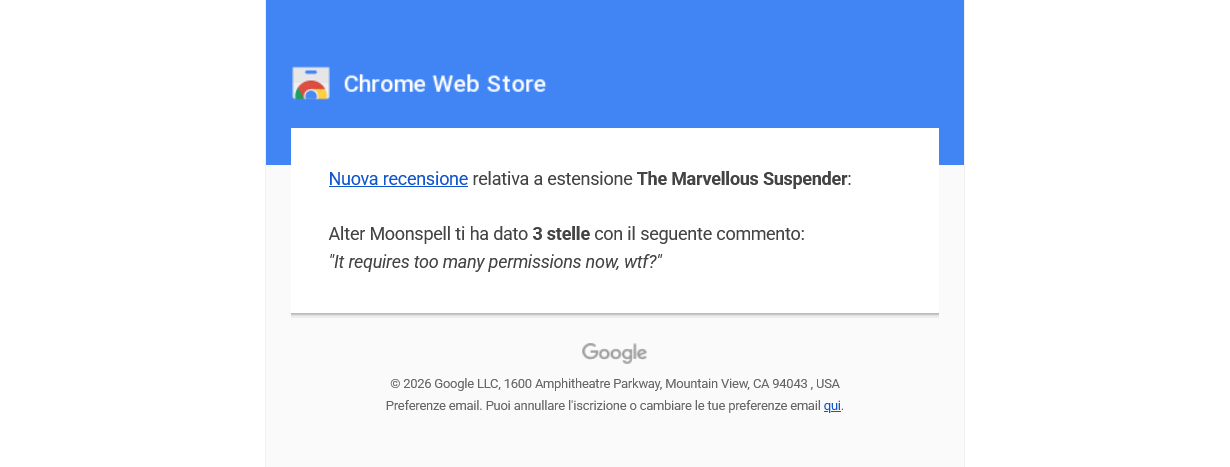
Fair reaction from the outside, and exactly why the section above exists. Short version: nothing new is silently collecting or shipping your data anywhere. tabs, storage, history, contextMenus, alarms, favicon, scripting, and tabGroups were all already there in 8.x, doing the same jobs they always did. downloads and identity are the two genuinely new ones, and they only exist because of the backup feature described above.
"Major updates too frequently cause suspended web pages to disappear. Please do not always change how the UI looks."
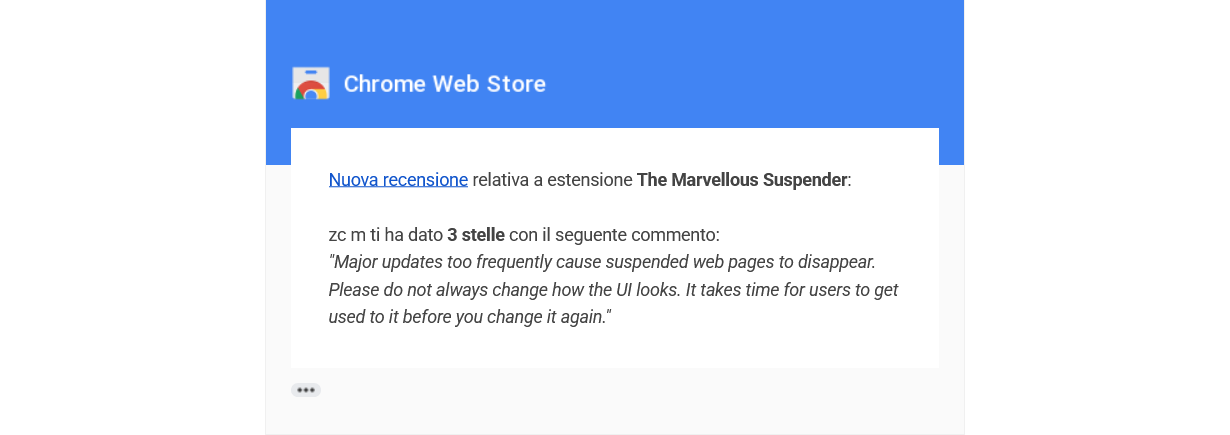
Two separate points here, and we want to be honest about both.
On the UI: yes, TMS 9 changed how every settings page looks. That was intentional and covered at length in the launch post, it needed doing, but we know it's disruptive and we're not planning another full repaint anytime soon.
On suspended pages disappearing during updates: that one worries us more, because it shouldn't happen from a TMS update alone, and it's worth separating from a specific incident we're actively helping someone recover from right now.
When sessions actually vanish, it's usually not the update itself
We got a report of exactly this, sessions gone after an update, and dug into it in issue #410. TMS pins a fixed extension ID in its manifest, so a normal update should never touch your saved sessions in chrome.storage/IndexedDB, they live at that same ID before and after.
What we found instead: Chrome occasionally flags an extension as "corrupted" after an update and offers a repair/reinstall flow, and that repair flow can reset the extension's local storage even though the ID doesn't change. That's a Chrome-side quirk, not something TMS's update logic triggers. Cold comfort if it happens to you, we know, so if you ever hit it:
- Check the extension's History/Manage Sessions page and the Recovery page first, sometimes the data is still there and just needs a poke.
- Compare the extension ID in
chrome://extensions(Developer mode on) against your backed-upIndexedDBfolder name, if you have one. - If you have a raw IndexedDB backup, tab URLs are recoverable as plain text even from the binary
.ldb/.logfiles, full recovery steps are in the issue thread.
If this happens to you, open an issue (or use the no-account report form) with what you're seeing, we'll walk through recovery with you the same way.
We read everything
As said before, we mean it: reviews, star ratings, GitHub issues, all of it gets read, and this post exists because of exactly that. If something about TMS 9 is bothering you, permissions, the redesign, anything else, open an issue or use the report form. We'd rather answer it directly than have it sit in a star rating we can't reply to.